Messages that actually reach
parents
Templated, multi-channel communication with parents and staff — every message typed once, delivered through the right channels, and kept on record.
Trusted by schools across Canada
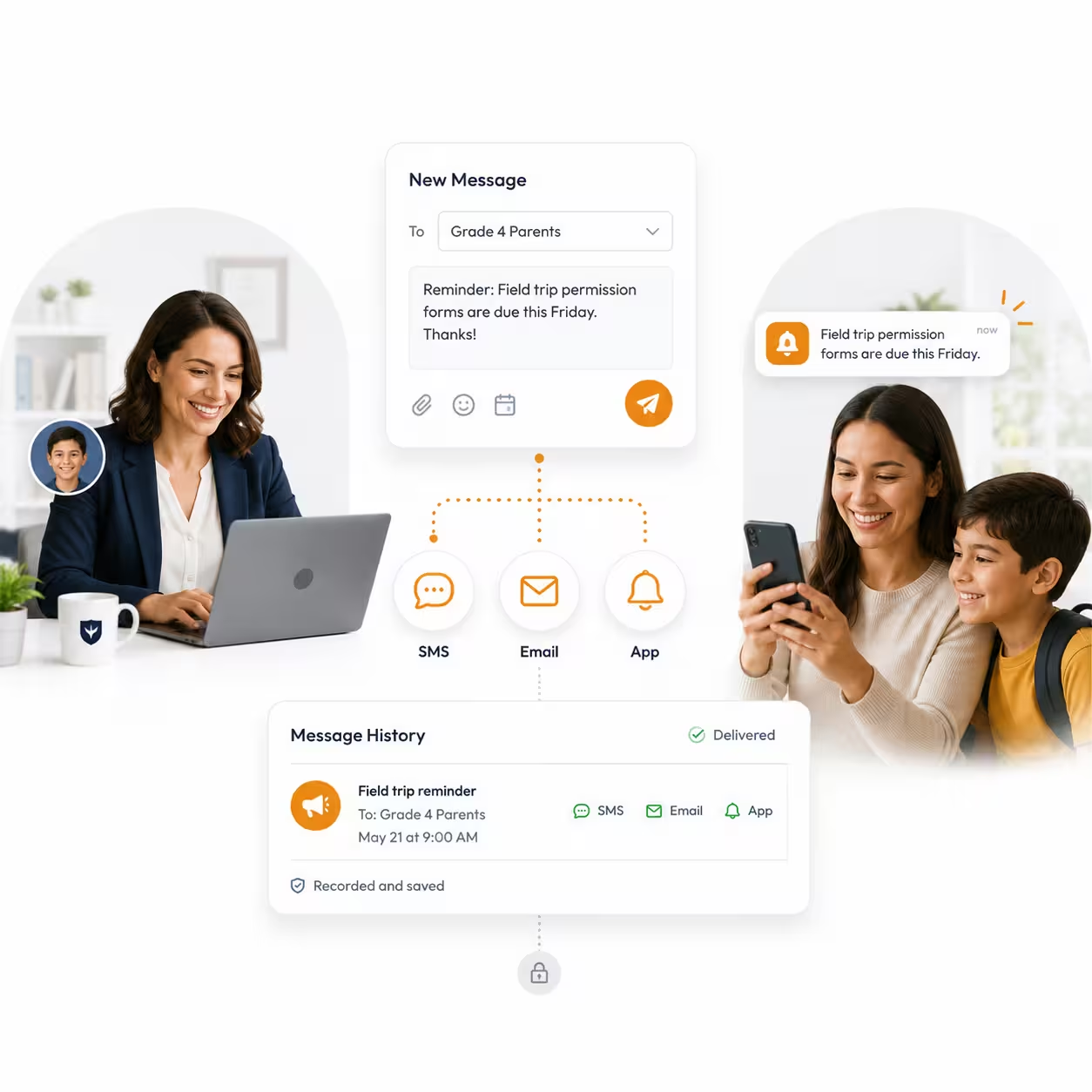
Type it once,
reach everyone
Communication in Nexium is structured — channels, types, and templates are configured once, then every send is fast and consistent.
Conversation Channels
Deliver through the channels you configure — a message goes out once and reaches families wherever they read.
Conversation Types
Classify every message by conversation type so recipients, filters, and reports stay organized.
Templates
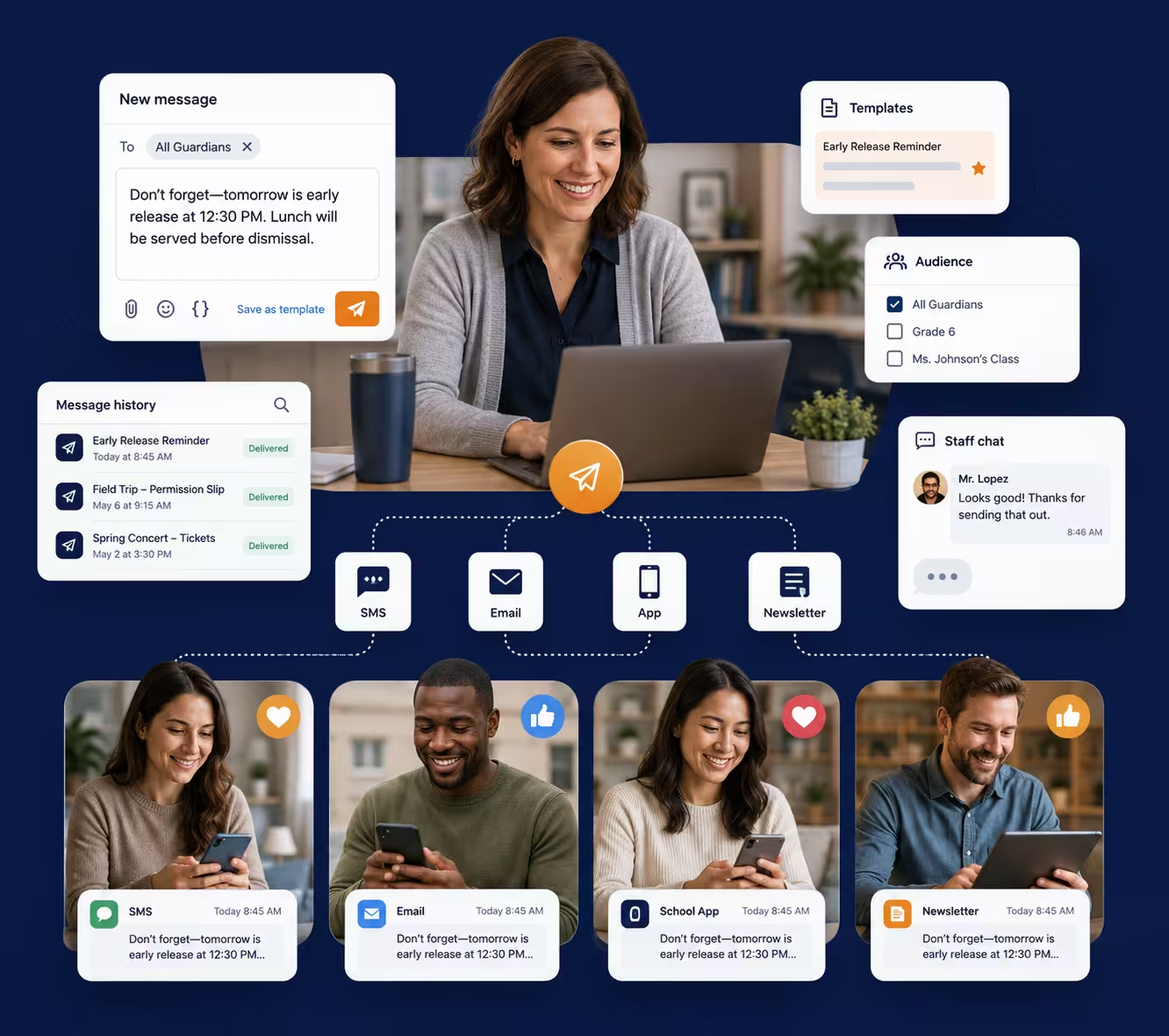
Build reusable conversation templates by template type; send consistent messages without retyping them.
Communication
Compose and send to exactly the right audience — a class, a grade, or every guardian in the school.
Traceable History
Every message is logged — what was sent, to whom, when, and through which channel.
Staff Chat
Direct conversations between staff inside the platform, right next to the records they're discussing.
Why It Matters
Typed once,
delivered everywhere
No more copy-pasting the same notice into email, an app, and a newsletter — and no more wondering if it was ever sent.
Channels that fit
Conversation channels and types configured to match your school.
Templates on tap
Drafted once, reused all year, consistent every time.
The right audience
Send to a class, a grade, or every guardian at once.
Nothing unrecorded
A complete, searchable history of every message sent.
Chat built in
Staff conversations happen next to the records they concern.
How It Flows
From draft to delivered
Structure up front makes every send afterwards a two-minute job.
Configure Channels
Set up conversation channels and types once.
Create Templates
Write reusable templates by template type.
Send Targeted
Pick the audience — class, grade, or school — and send.
Trace Everything
Review delivery history for any message, any time.
Keep Exploring
More of Nexium
Every module runs on the same platform, the same student records, and the same login.
Nexium Overview
The complete K-12 platform, at a glance.
Live Dashboard
Real-time stats, enrollments, attendance, and events.
Academic Management
Years, terms, courses, grade books, and report cards.
Attendance Tracking
Daily attendance, leave requests, and transparent reports.
Invoices & Payments
Charges, invoice batches, payments, and receivables.
Transportation
Routes, buses, student assignments, and alerts.
Ready to modernize?
See Nexium running in your school’s data
Book a 30-minute live demo. We’ll walk you through a configured instance — no generic slides, no sales theatre.