School billing without a separate
billing tool
Configure charges, run invoice batches, record payments, and watch receivables — inside the same platform that holds your student records.
Trusted by schools across Canada
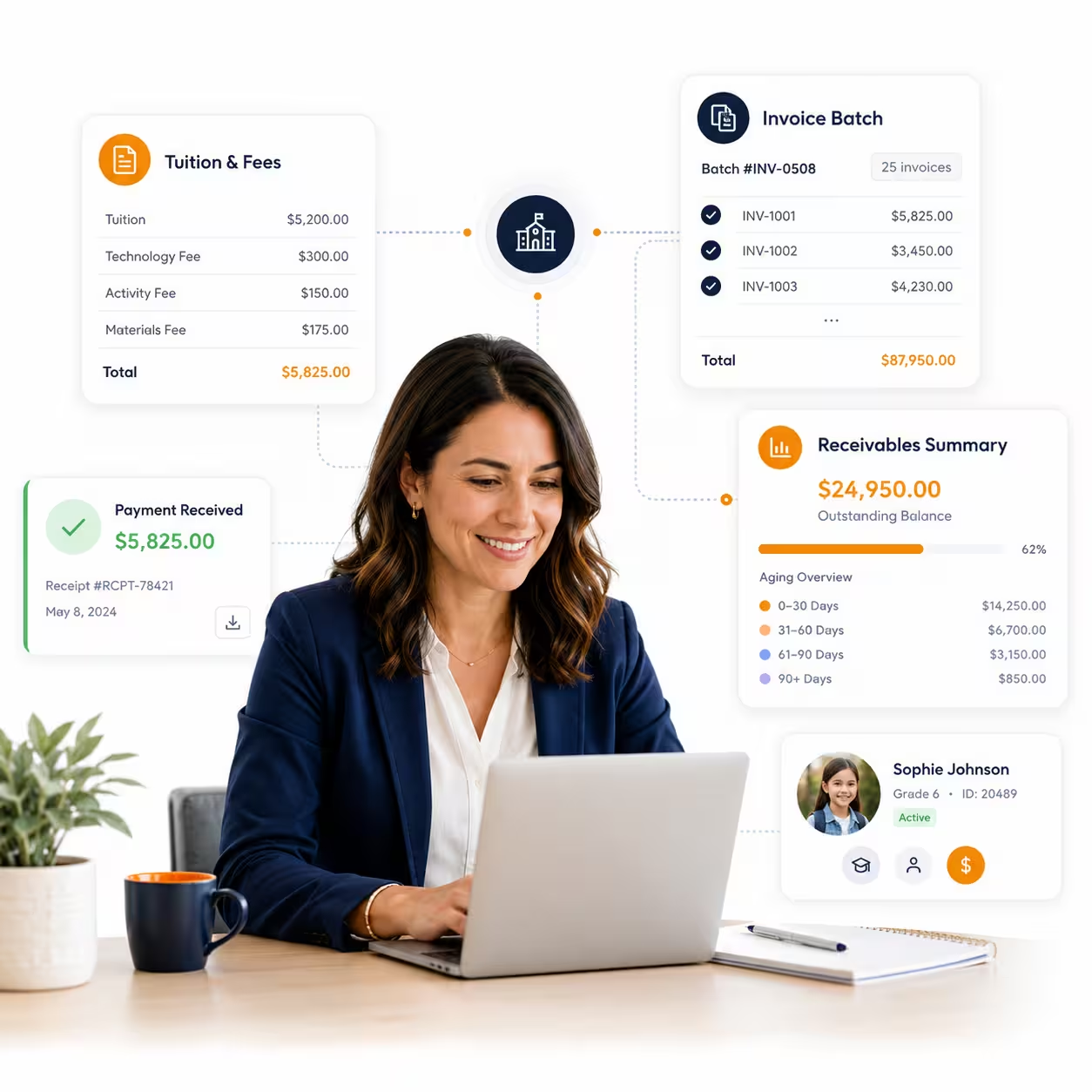
From charge to payment,
no extra tools
Billing draws directly from your enrollment data — so invoices are always for the right students, at the right rates.
Charges Setup
Define charge categories, types, and rates - with tax and tax types handled - so every invoice draws from one source of truth.
Recurring & Ad Hoc Charges
Set recurring charges per student for tuition and fees, and add one-off ad hoc charges whenever needed.
Invoice Batches
Generate a whole grade's or the whole school's invoices in one batch run instead of student by student.
Payments & Modes
Record payments against invoices in every payment mode your school accepts.
Financial Dashboard
Collected, outstanding, and overdue amounts in one financial view — updated as payments land.
Ledger & Receivables
Pull a per-student ledger or a receivables report the moment a guardian or auditor asks.
Why It Matters
From charge to
reconciliation
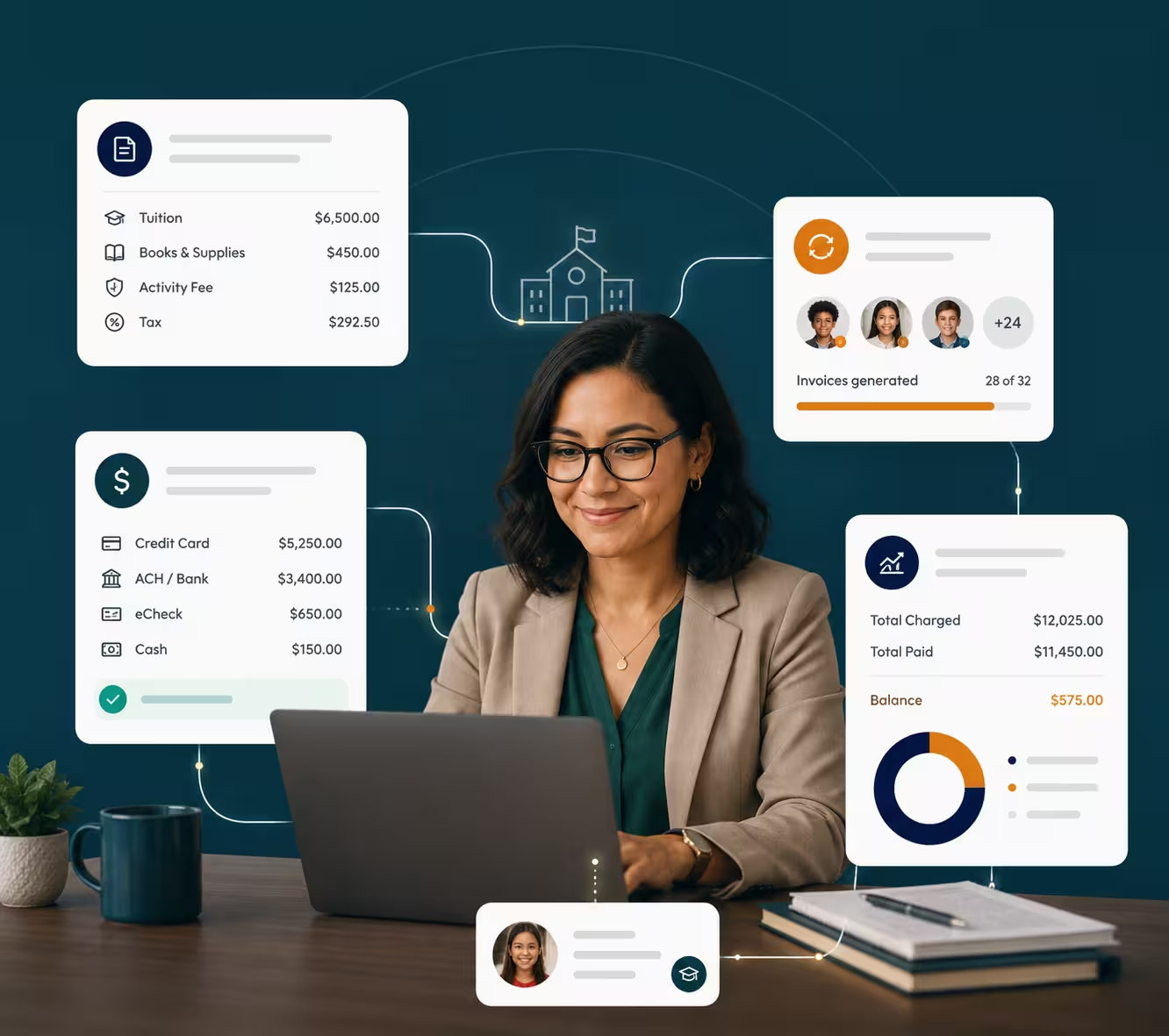
One billing pipeline, connected to enrollment — so finance stops re-keying data that the front office already entered.
One fee structure
Charge categories, types, rates, and tax configured once.
Charges apply themselves
Recurring charges run automatically; ad hoc charges drop in anytime.
Invoices by the batch
A grade’s or the whole school’s invoices generated in one run.
Payments in any mode
Record payments in every payment mode your school accepts.
Instant answers
The student ledger shows what any family owes, immediately.
How It Flows
The billing cycle, end to end
Four steps that repeat every term — each one shorter because the last one fed it.
Configure Charges
Set categories, types, rates, and tax for your fee structure.
Run Invoice Batches
Generate invoices for a grade or the whole school in one run.
Record Payments
Log payments by mode as they arrive, against their invoices.
Track Receivables
Watch the financial dashboard and pull ledgers on demand.
Keep Exploring
More of Nexium
Every module runs on the same platform, the same student records, and the same login.
Nexium Overview
The complete K-12 platform, at a glance.
Live Dashboard
Real-time stats, enrollments, attendance, and events.
Academic Management
Years, terms, courses, grade books, and report cards.
Attendance Tracking
Daily attendance, leave requests, and transparent reports.
Smart Notifications
Multi-channel messages with traceable history.
Transportation
Routes, buses, student assignments, and alerts.
Ready to modernize?
See Nexium running in your school’s data
Book a 30-minute live demo. We’ll walk you through a configured instance — no generic slides, no sales theatre.